🏠 For homeschooling families
The creative wing of your homeschool
Every unit you teach becomes art, posters, stories, and books your kid makes themselves — in a kid-safe AI studio you run in full parent mode.
Try it with this week's unitThis week's units, illustrated by kids
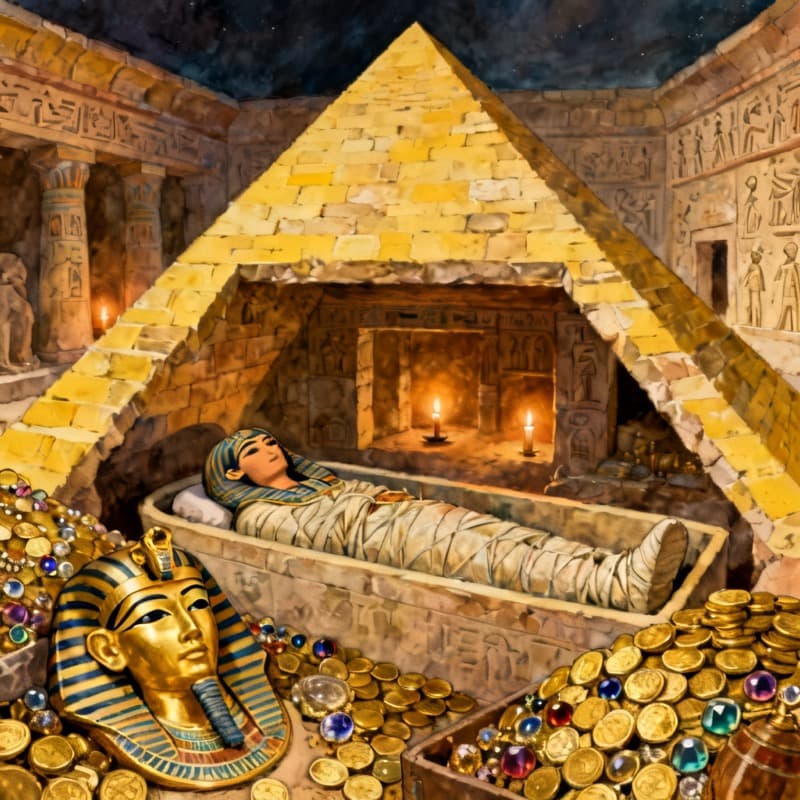
"Inside a pyramid — our ancient Egypt unit"
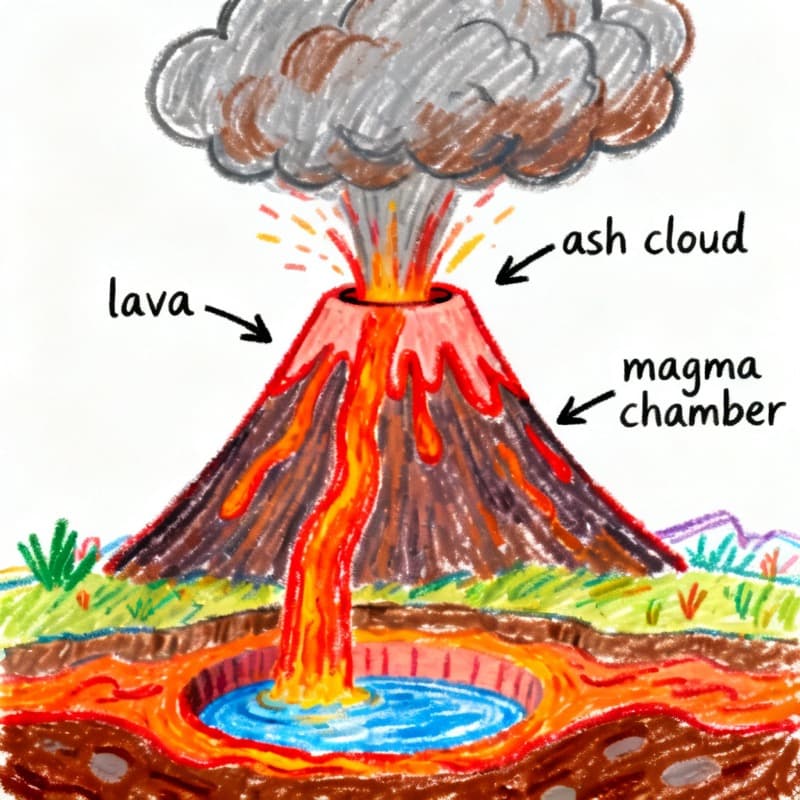
"How volcanoes work, by our resident volcanologist (age 7)"
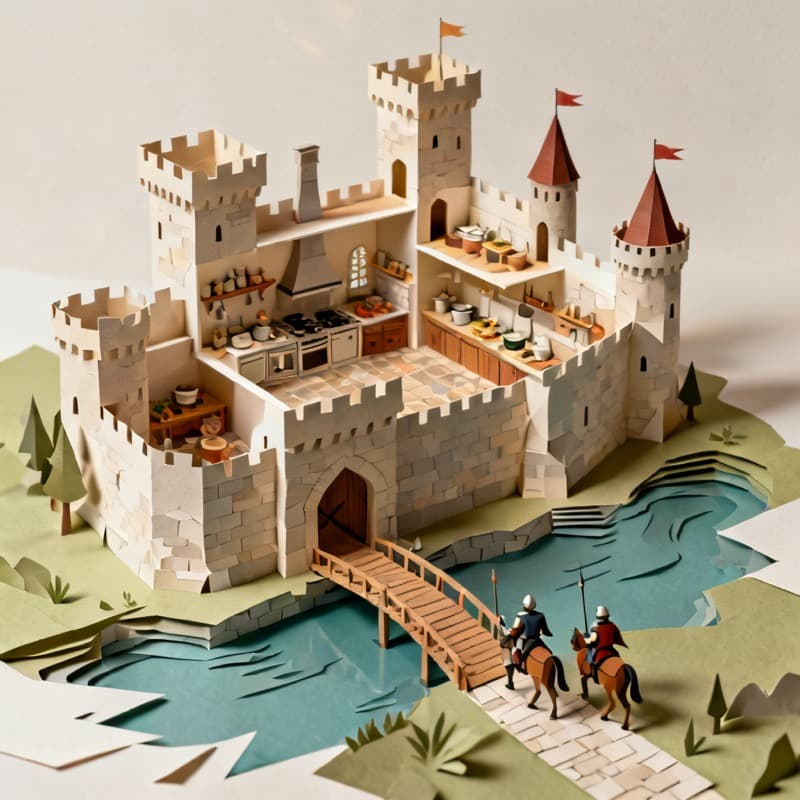
"A castle you can see inside — medieval week"
How it works
Take this week's unit
Volcanoes, ancient Egypt, the water cycle — whatever you're teaching becomes the creative brief.
Let them show you
Your kid illustrates the unit their way: posters, cutaways, story characters, a whole illustrated book about it.
Keep the portfolio
Everything lands in their private gallery — a growing, printable record of what they learned and made.
Parent mode, all tools open
Your account, your rules: in parent mode every tool is available and you shape how your kids use them — no institution in the middle.
Any subject becomes a project
History cutaways, labeled science posters, story problems with characters — 'draw what you learned' works for every unit.
Printables on demand
Turn any topic into printable coloring pages with the coloring page maker — quiet-time activities that still teach.
One studio for every kid
Each child gets their own username, PIN, and gallery under your account — different ages, one subscription.
Built safe for kids, run by grown-ups
COPPA-conscious by design
A parent, guardian, or teacher creates and controls every account. Kids sign in with a username and PIN — never an email.
Every creation moderated
AI safety checks screen every prompt and every generated image, story, and comment before a child sees it.
No stranger chat
No direct messaging, ever. Sharing happens only in family or classroom Spaces a grown-up owns and moderates.
Questions parents ask
How do homeschoolers use AI for creative learning?
Homeschooling parents use Kidgeni as the 'show what you learned' step: after a unit, kids illustrate it — a labeled volcano poster, a pyramid cutaway, an illustrated story set in the period. The child does the imagining and directing; the AI makes the result worth hanging on the wall.
Can I supervise everything my kids make?
Yes — you own the account, and each child creates under their own username and PIN inside it. Their galleries are visible to you, every creation is safety-checked automatically, and there is no contact with strangers anywhere.
Does Kidgeni work for multiple kids of different ages?
One family account supports multiple kid profiles, each with their own gallery and login. A 5-year-old can speak prompts while a 12-year-old writes illustrated chapter books — same subscription.
Is there a family Space like the classroom ones?
Yes — you can run a family Space with the same moderated feed teachers use: siblings share creations, react, and comment, with you approving members and moderating everything.
What does Kidgeni cost for a homeschool family?
Start free with 500 Sparks every month. Most creating-every-day families choose Magic Maker ($9.99/month) or Magic Master ($19.99/month); both cover all kid profiles in the family account.
More ways to create
“Show me what you learned” just got fun
Start free and turn Friday review into the part of the week your kids ask for.