🏫 For teachers, schools & after-school programs
AI creativity for your classroom — without student emails
Kidgeni runs as teacher-owned Spaces: students join by class code with a username and PIN, create moderated AI art and stories, and share to a feed you control.
Set up your classroom freeMade in real classrooms
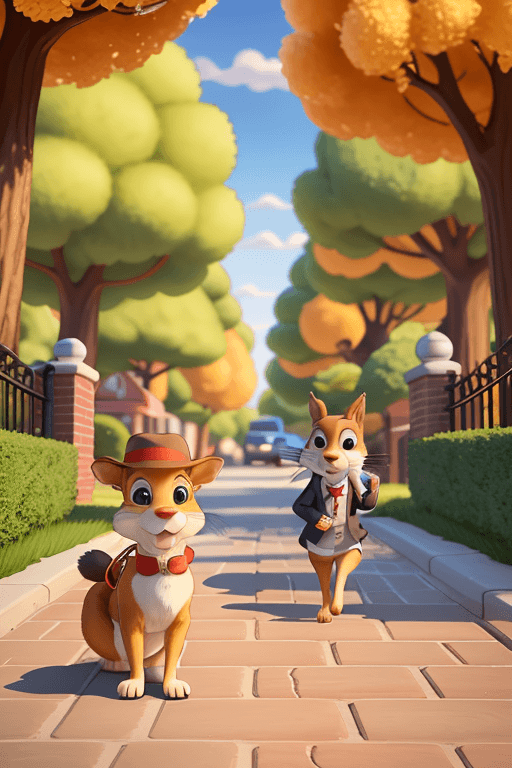
"The Foxwood Crew — our class story heroes — Classroom 3B"
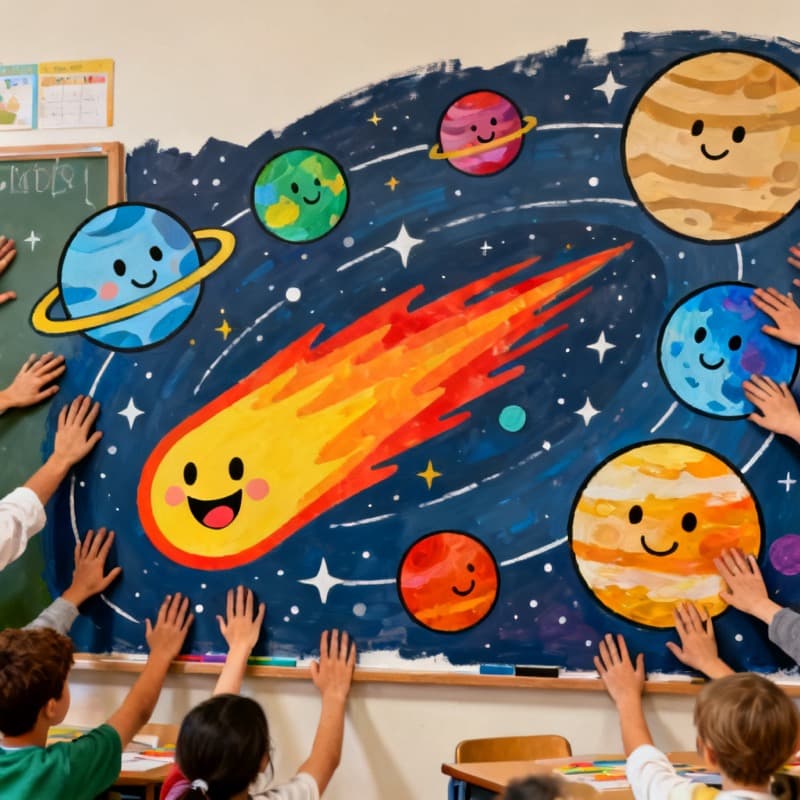
"Our solar system, painted by the whole class"

"Class 5's axolotl mascot — graduation edition"
How it works
Make a classroom Space
You create a Space and get a class code. You own the roster, the feed, and every setting from day one.
Students join — no emails
Kids enter the class code and pick a screened username and PIN. No student emails, no phone numbers, no personal accounts.
Create and share, moderated
Students make art, stories, and books and share to the class feed. Everything passes AI safety checks, and you can review, remove, and manage kids at any time.
COPPA-shaped by construction
The account belongs to the teacher; students authenticate with username + PIN inside your Space. There is nothing to collect a student email for.
You control the front door
Join Modes put admission in your hands: open (auto-approve by code), review (you approve each student), or closed between sessions.
Built for group creativity
A shared feed with moderated comments and reactions turns AI art into a class activity — with 'ask a grown-up' flagging built in.
After-school ready
Enrichment and after-school programs run Kidgeni the same way: one Space per session, kids join by code, staff moderate. No IT project required.
Built safe for kids, run by grown-ups
COPPA-conscious by design
A parent, guardian, or teacher creates and controls every account. Kids sign in with a username and PIN — never an email.
Every creation moderated
AI safety checks screen every prompt and every generated image, story, and comment before a child sees it.
No stranger chat
No direct messaging, ever. Sharing happens only in family or classroom Spaces a grown-up owns and moderates.
Questions parents ask
How do students use AI tools without email addresses?
In Kidgeni, the teacher's account owns a classroom Space. Students join with the teacher's class code and sign in with a screened username and a PIN — no student emails, phone numbers, or passwords exist anywhere in the system, which is exactly what COPPA-conscious classroom software should look like.
How does the teacher moderate what students make?
Every prompt and every generated image, story, and comment passes an AI safety check automatically, and the teacher additionally controls the Space: reviewing the feed, approving joins, removing members, and resetting PINs. Students can flag anything with 'ask a grown-up.'
What does the Schools plan include?
For Schools is $99/month (or $990/year) and adds classroom-scale features on top of every safety control: pooled Sparks for the whole class and learning journeys that turn creating into curriculum.
Can after-school and enrichment programs use Kidgeni?
Yes — programs like coding clubs and art enrichment run each session as its own Space with its own class code. Staff moderate exactly like teachers, and rosters reset between terms in minutes.
What subjects does classroom AI art actually support?
Teachers use Kidgeni for creative writing (illustrated stories and books), science and history visualizations, class mascots and murals, printable coloring activities, and 'draw what you learned' exit tickets — anywhere imagination shows understanding.
More ways to create
Your class code is 2 minutes away
Create a Space, put the code on the board, and watch 25 imaginations light up — with you in control of all of it.