Explainer
A Parent's AI Safety Checklist
Published August 18, 2026 · By the Kidgeni team
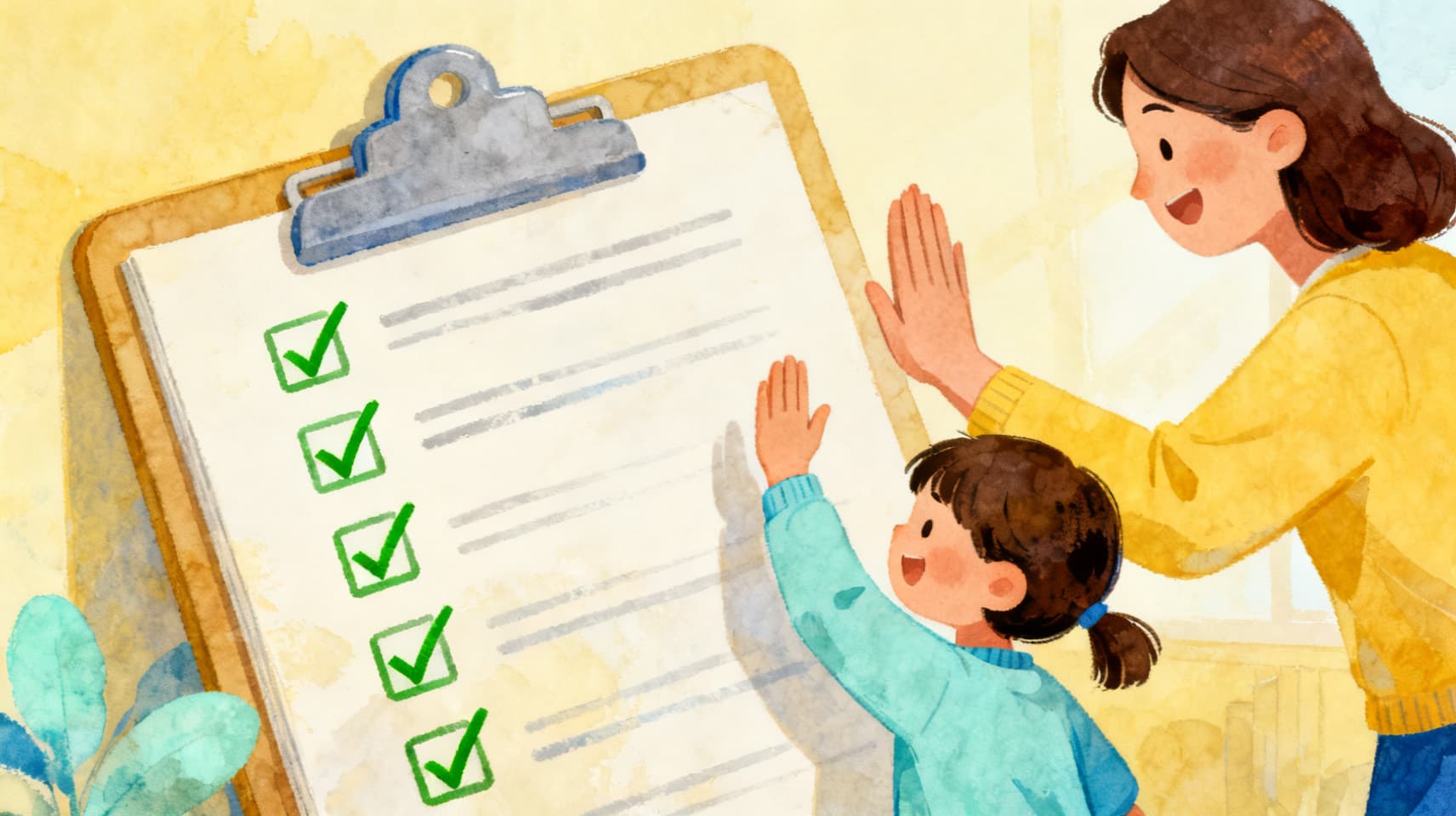
Before any AI app reaches your kid, run it through four short sections: who owns the account, what happens to the data, whether the design has red flags (companion personas, stranger chat, engagement traps), and which house rules you'll set. The whole checklist fits on one printable page — download the free PDF below, no email required, and stick it wherever app requests get negotiated.
Section 1 — Before your kid touches any AI app
- Who owns the account — the adult or the child?
- What does the kid hand over to log in? A child email or phone number is a red flag.
- Is it built FOR children, or an adult tool with an age checkbox?
- Is there a privacy policy you can actually find and read?
- What do independent reviews — not the app's ads — say about it?
Section 2 — The data questions
- Is your child's data used to train AI models, and did anyone ask you first?
- Are conversations or creations retained, and for how long?
- Can you review and DELETE everything your child made?
- Is your kid's work private by default, or public by default?
Section 3 — Design red flags
- A persona that wants to be your kid's friend — companion bots are not for minors.
- Open-ended chat with strangers, or DMs of any kind.
- Streaks, endless feeds, or anything engineered for 'just five more minutes.'
- Removing a feature requires a paid subscription.
Section 4 — House rules that work
- AI is a tool, not a friend: personal problems go to people.
- 'Check it' is a reflex — the AI guesses, humans verify.
- Creating beats consuming: making things over scrolling things.
- The grown-up knows every AI app in use, and the login lives with them.
How to use it
Print it, and make the checklist the process: when your kid asks for a new AI app, you run the page together. Kids respect a consistent gauntlet far more than a case-by-case 'no' — and older kids can start running it themselves, which is the actual goal. (Yes, Kidgeni goes through the same gauntlet. We built it to pass.)
Questions parents ask next
Do I need to give an email to download the checklist?
No. The PDF is free and ungated — the download link on this page serves the file directly, no signup, no email wall.
What if an app fails one checklist item?
Sections 1 and 2 are gating: an app that wants a child's email or is vague about training data is an easy skip. Section 3 flags are judgment calls by age; Section 4 applies to every app that makes it through.
How does Kidgeni score on its own checklist?
By design: the adult owns the account, kids log in with a username and PIN (no emails), children's data is never sold or used for ads, creations are private by default with full parental review and deletion, and there are no companion personas or stranger chat. Our privacy policy spells each of these out.
Get the one-page PDF
The whole checklist, printable, free, no email wall — the Kidgeni way.