Safety review
Is Minecraft Safe for Kids?
Published August 19, 2026 · By the Kidgeni team
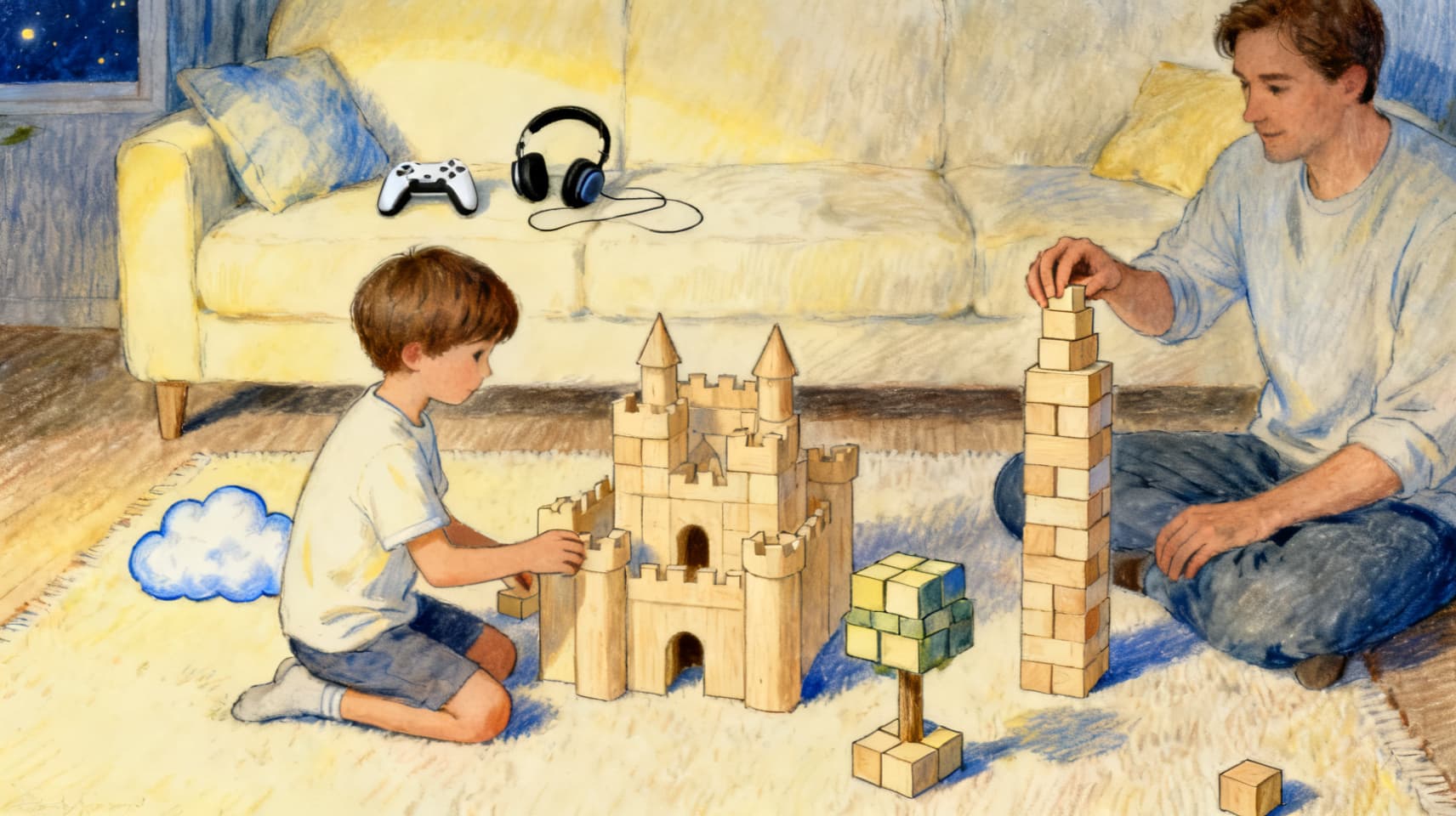
Mostly yes — with one big asterisk. The game itself (rated E10+ by the ESRB, 7+ in Europe) is one of the most creativity-positive things a kid can do on a screen, and Mojang has publicly refused to put generative AI inside it. The risks are almost entirely social and financial: unmoderated chat with strangers on big public servers, the documented pattern of predators starting contact in game chat, and Marketplace spending. All three are controllable — if you set up a proper child account and touch four settings.
The game vs. the places you can play it
The useful mental model: Minecraft the game is a box of infinite digital LEGO — building, exploring, light fantasy combat against cartoon zombies. Minecraft the online service is a social platform where your kid can share a world with strangers. The ESRB's E10+ covers the first thing; the interactive parts ('Users Interact,' 'In-Game Purchases') are exactly what ratings can't rate, because they depend on which server your kid walks into.
Where the real risks live
- Public community servers: the big third-party servers run their own chat and their own moderation, outside Microsoft's family controls. This is where stranger contact happens.
- The 'move to Discord' pattern: in documented grooming cases — including a 2017 UK conviction and a US federal indictment of a network that targeted kids through Minecraft and Roblox — contact starts in game chat and migrates to less-monitored apps. Teach the pattern, not just the game.
- Spending: Minecoins, Marketplace worlds and skins, and Realms subscriptions add up fast, and console stores need their own separate limits.
- The account itself: in 2023 Microsoft paid a $20M FTC penalty over collecting kids' data in the Xbox account signup flow Minecraft uses — since reworked, but a reminder that the account setup step is where COPPA protections attach. Do it properly, as a child account.
The settings that actually matter
- Give your kid their own child account in Microsoft Family Safety — never the family iPad's adult account. Every control below hangs off this.
- Set multiplayer and communication to 'Friends only' (or off entirely for younger kids), and block friend requests from strangers.
- Turn on 'Ask a parent to buy' and set a low or zero spending limit; repeat the exercise in the console's own store settings.
- If your kid wants multiplayer, prefer a private Realm or LAN world with known friends over public servers — same fun, curated guest list.
- Java Edition on PC has weaker built-in family controls than Bedrock; if parental settings matter in your house, Bedrock is the easier ship to steer.
The AI question — Minecraft is the refreshing outlier
Asked whether generative AI would come to Minecraft's design, Mojang's vanilla director said no — the game is about creating as humans — and as of this writing there is no generative-AI feature in the game itself. Microsoft's platform-level 'Gaming Copilot' assistant (which can coach players through games including Minecraft) is restricted to adults and isn't available on child accounts — one more reason the proper child account matters. Minecraft Education's 'Hour of AI' teaches kids about AI as a curriculum; it isn't a chatbot in the game.
Our take for ages 5–12
Set up right — child account, friends-only chat, spending approval, private worlds — Minecraft is about as good as mainstream gaming gets for this age: genuinely creative, endlessly deep, and social on your terms. The failure mode isn't the game; it's the shortcut setup where a kid plays on an adult account with defaults open. Spend the twenty minutes.
Questions parents ask next
What age is Minecraft actually appropriate for?
The ESRB says 10+, Europe's PEGI says 7+, and in practice many kids start younger in creative mode with a parent nearby. The age question matters less than the mode question: single-player and private worlds are fine years before open multiplayer is.
Is Minecraft chat moderated?
On Microsoft's own services there are reporting tools and family controls, but big third-party community servers run their own chat with their own rules — treat those as unmoderated for planning purposes. Friends-only communication settings are the reliable lever.
Should I worry about the AI stuff in Minecraft?
Not inside the game — Mojang has publicly kept generative AI out of it, and Microsoft's platform-level Gaming Copilot is adult-only and absent from child accounts. It's one of the few big kids' platforms where the 2025–2026 AI wave mostly didn't land.
Minecraft or Roblox — which is safer?
They're different shapes: Minecraft's risks concentrate in chat and spending and are largely controllable with settings; Roblox is a vast user-generated content platform where experience quality varies wildly. We've reviewed Roblox separately in the Learn hub — short version, both are manageable, Roblox takes more ongoing attention.
Sources
Researched August 19, 2026. Products change; we re-check and re-date this article when they do.
- ESRB — Minecraft rating (E10+, Fantasy Violence)
- ESRB — What parents need to know about Minecraft
- FTC — Microsoft to pay $20M over children's-privacy charges in Xbox signup (June 2023)
- BBC — Minecraft grooming conviction, UK (January 2017)
- Innocent Lives Foundation — gaming and grooming: how Minecraft and Fortnite could be dangerous
- TechRadar — Minecraft developer rejects generative AI (March 2025)
- Xbox Wire — Gaming Copilot beta, 18+ (Sept 18, 2025)
- Minecraft.net — Hour of AI (2025, with Code.org)
For the kid who builds worlds
Minecraft kids are maker kids. Kidgeni gives the same imagination a second outlet — AI art, stories, and real printed books, in a moderated world a grown-up owns.