Safety review
Is YouTube Kids Actually Safe?
Published August 19, 2026 · By the Kidgeni team
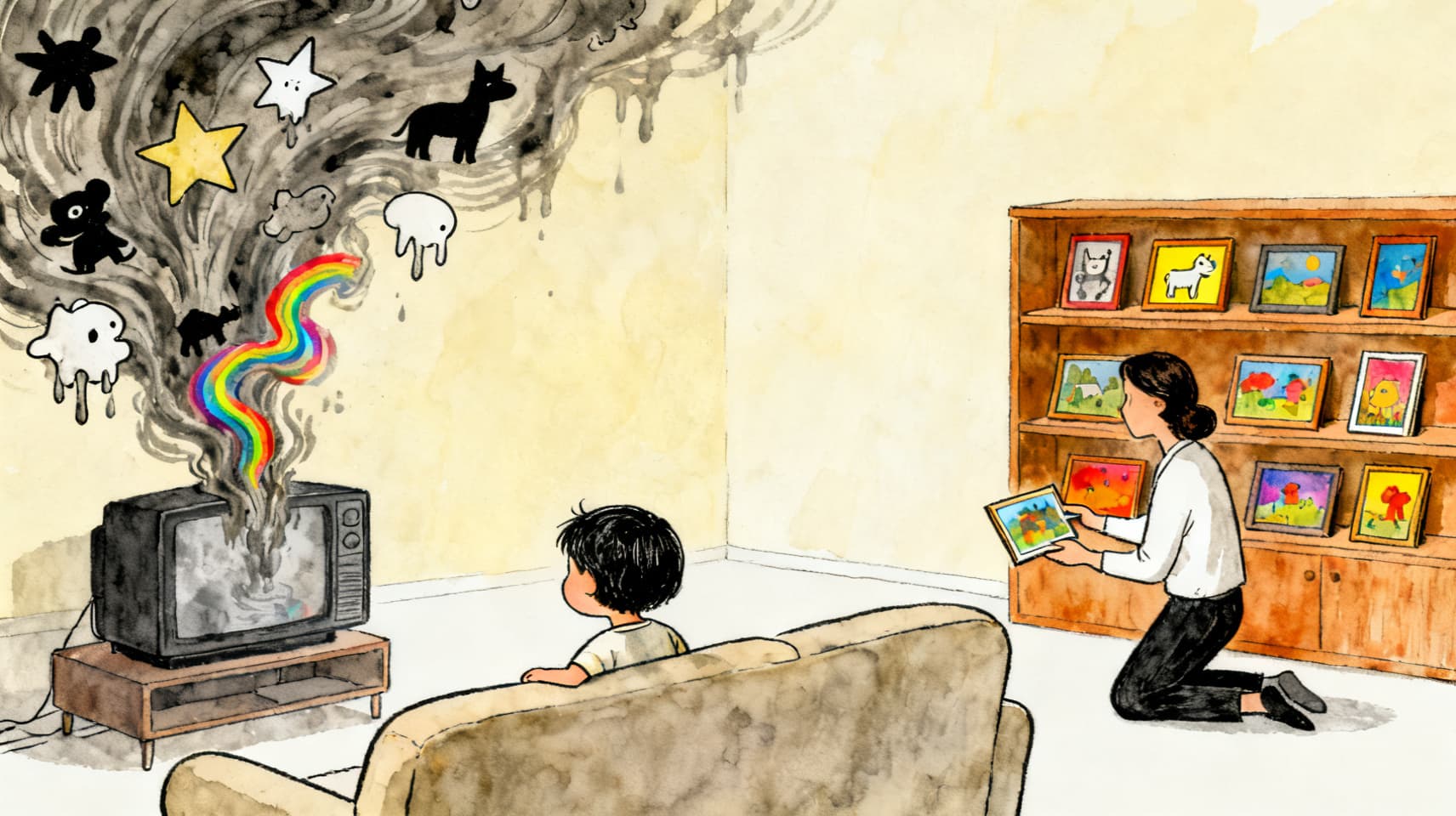
Safer than open YouTube, but not as safe as the name implies — and Google says so itself: its parent guidance admits 'no automated system is perfect' and 'your child may find content that you don't want them to watch.' The pressure test came in early 2026, when a New York Times investigation found that after one CoComelon video, over 40% of recommended Shorts in a session were AI-generated junk aimed at toddlers. The good news: one setting — 'Approve content yourself' — turns YouTube Kids from an algorithmic feed into a hand-picked library, and it's the only mode with a real guarantee.
How YouTube Kids actually picks videos
YouTube Kids is not a curated children's network; it's a filter over regular YouTube. Google's own description: automated systems select content from the broader universe of YouTube videos, home screens use 'a specially trained algorithm and some human review,' and search results 'are not subject to human review.' Three parent-selected content levels exist — Preschool (4 and under), Younger (5–8), Older (9–12) — but within each, the selection is mostly machine judgment. Google's candor about the limits is genuinely to its credit; the limits are still the limits.
The track record
- 2017, 'Elsagate': a wave of disturbing videos wearing kids'-character costumes (Elsa, Spider-Man, Peppa) slipped past the filters at scale, forcing mass channel terminations after press and advertiser backlash.
- 2019: YouTube paid a then-record $170M FTC/New York settlement for collecting children's data for targeted ads on child-directed channels — the case that created today's 'made for kids' designation system.
- 2026: the AI-slop wave (below) — the Elsagate pattern industrialized by cheap generative video.
The 2026 problem: AI slop aimed at preschoolers
In late February 2026, a New York Times investigation found that after watching a single CoComelon video, more than 40% of recommended Shorts in a 15-minute session were AI-generated content — warped faces, extra limbs, garbled text — much of it labeled 'educational' and targeted at toddlers. Follow-up reporting found 'educational' AI videos modeling genuinely dangerous behavior. YouTube suspended the five channels the Times named; weeks later, roughly 200 organizations and researchers signed an open letter to YouTube's and Google's CEOs demanding a systemic fix. Worth knowing: main YouTube's 'altered or synthetic content' labels don't exist on YouTube Kids at all — a preschooler's feed carries no AI disclosure.
The one setting that changes everything
'Approve content yourself' flips YouTube Kids from an algorithmic feed to a whitelist: only videos, channels, and collections you've personally approved appear, and search turns off automatically. It's the only mode where nothing unvetted can reach your kid — the trade is maintenance, since you become the librarian. For kids under about eight, we think it's clearly worth it. The algorithmic modes remain a judgment call: usable for older kids with search off, autoplay off, and an adult within earshot.
Settings worth ten minutes
- Under ~8: turn on 'Approve content yourself' and build the library — it's the hard guarantee.
- If you stay algorithmic: set the right content level, turn OFF search, and turn OFF autoplay — most junk arrives through search and the recommendation chain.
- Block channels on sight when something low-quality appears (blocking teaches the profile's recommendations) and flag it.
- Use the timer and a settings passcode so sessions actually end and settings stay set.
- Spot-check watch history for the AI-slop tells: garbled text, warped faces, 'learning' claims wrapped around nonsense. Co-view when you can.
Our take for ages 5–12
YouTube Kids in approved-content mode is a solid tool. YouTube Kids as an open algorithmic firehose is a bet that machine filters stay ahead of machine-generated junk — a bet the 2026 investigation showed is currently being lost at the toddler end. And zooming out: even at its best, it's pure consumption. The screen-time research consistently favors trading some watching for making — which is the trade we'd nudge any family toward, whoever's tool they make with.
Questions parents ask next
Is YouTube Kids safe for a 4-year-old?
Only in 'Approve content yourself' mode, in our view. The Preschool content level is still algorithmic, and the 2026 AI-slop investigation showed exactly that age band being targeted. A hand-approved library sidesteps the whole problem.
What about a supervised account on main YouTube instead?
For preteens outgrowing the Kids app, a Family Link supervised experience on main YouTube offers middle-ground content settings and is usually better than an open account. It inherits main YouTube's scale — more content, same algorithmic tradeoffs.
How do I recognize AI-generated kids' content?
The tells reported in 2026: slightly warped faces and hands, extra fingers or limbs, garbled or nonsense text on signs and objects, uncanny animation loops, and 'educational' titles over content that teaches nothing. There's no AI label on YouTube Kids, so your eyes are the detector.
Is YouTube Kids collecting my child's data?
Since the 2019 FTC settlement, child-directed content runs with limited data collection and non-personalized ads. The app still requires a parent to set it up, and the 2025-updated COPPA rules tightened retention further. Data is a smaller worry here than content selection.
Sources
Researched August 19, 2026. Products change; we re-check and re-date this article when they do.
- Google — Important info for parents about YouTube Kids (the 'no automated system is perfect' page)
- Google — YouTube Kids parental controls and settings
- FTC — $170M YouTube COPPA settlement (September 2019)
- Digital Trends — the NYT investigation: AI slop served to toddlers and preschoolers (Feb–Mar 2026)
- Fairplay — open letter to YouTube and Google on AI slop recommended to kids (March 2026)
- Futurism — 'educational' AI slop modeling dangerous behavior (March 2026)
- Common Sense Media — Parents' Ultimate Guide to YouTube Kids
Trade some watching for making
The strongest screen-time move isn't a better filter — it's a better verb. Kidgeni turns the same screen minutes into art, stories, and real printed books.